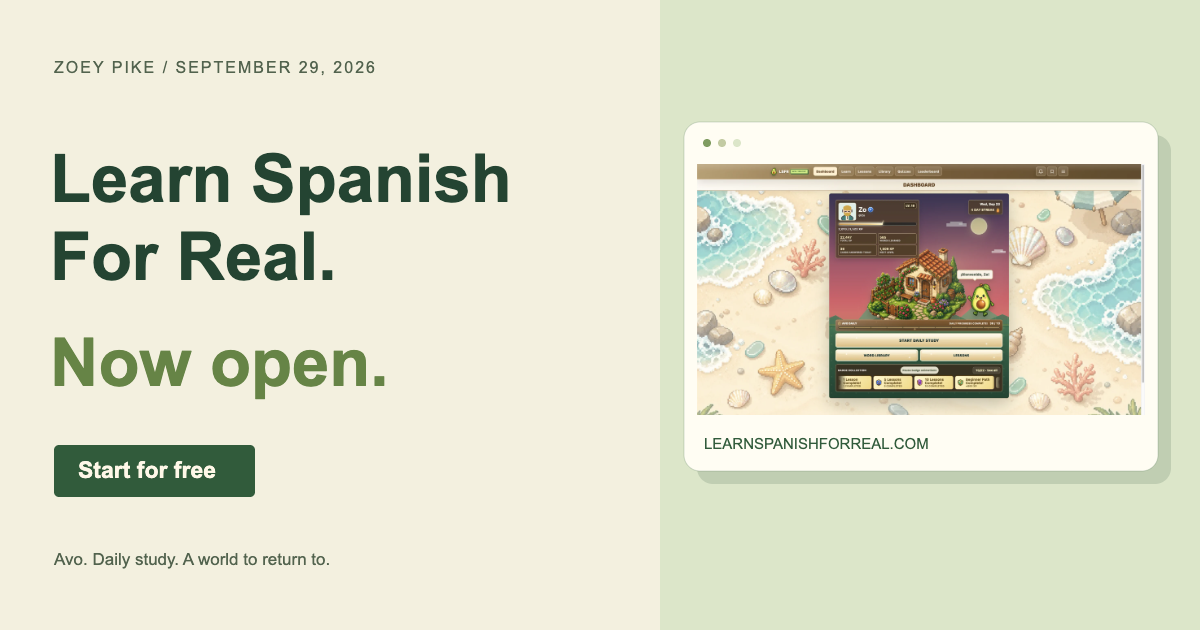
Today, September 29, 2026, I’m opening Learn Spanish For Real to the public. This public open beta is a milestone for a project I’ve been designing and building around one goal: make useful Spanish practice something you can come back to every day.
I’m Zoey Pike, an independent software and game developer in Phoenix, Arizona. LSFR brings together vocabulary, spaced repetition, quizzes, lessons, pronunciation audio, and an avocado companion named Avo. You can start learning Spanish for free, right in your browser.
A free place to start learning Spanish
The free learning experience includes core vocabulary practice, Daily Study, quizzes, and the Beginner path. Open LSFR, try the learning flow, and create a free account to save your progress. There’s a useful starting point whether you’re learning your first words or returning to Spanish after a break.
I want the first step to feel straightforward: see a prompt, try an answer, get feedback, and keep going. The app gives those small actions a place in a longer learning routine.
Daily Study and spaced repetition
Learning a word once is a start. Remembering it later takes practice. LSFR’s spaced-repetition system keeps track of your vocabulary review so you can return to material over time, rather than working through an unrelated list each day.
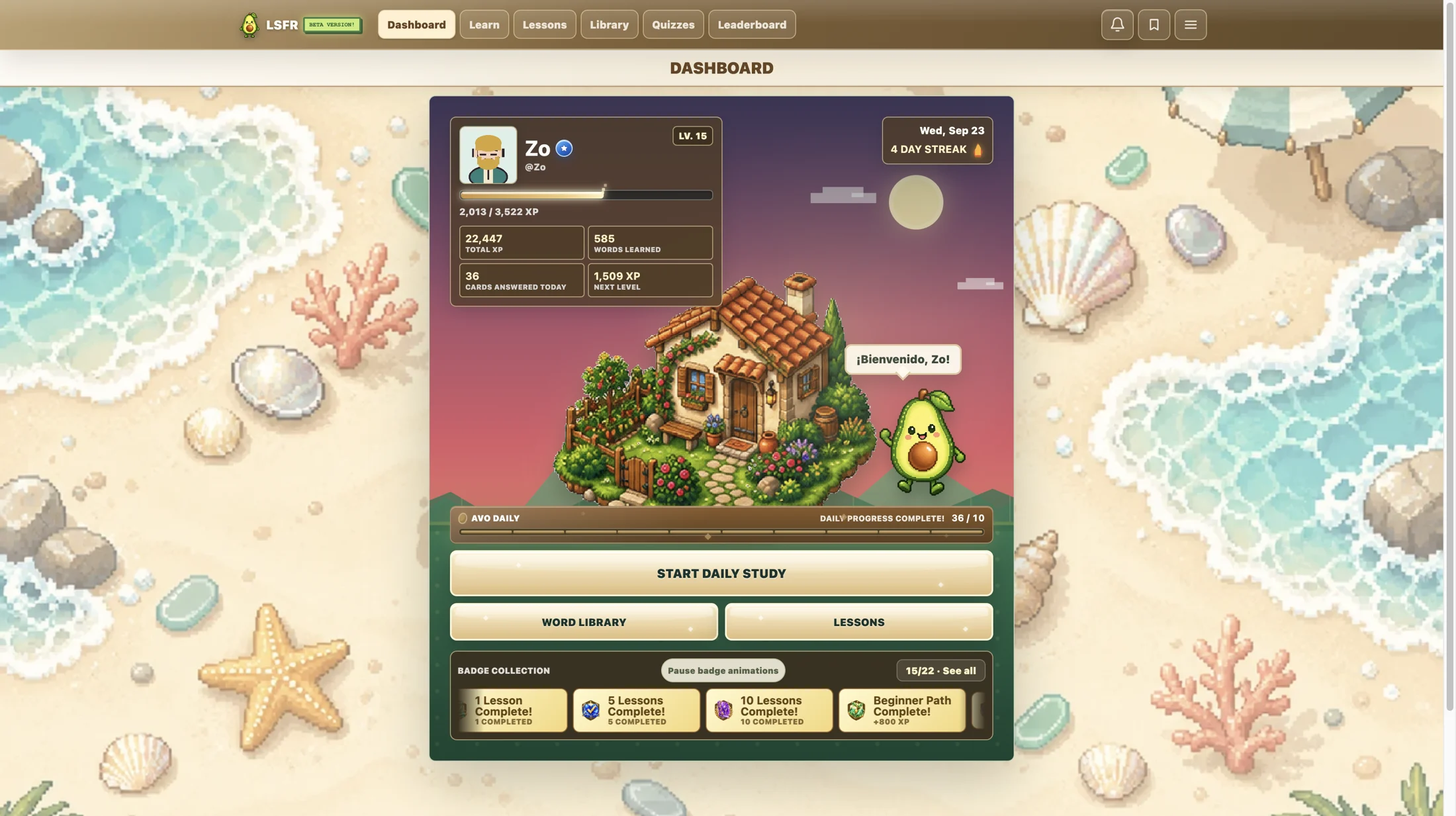
Daily Study puts that practice within reach from the dashboard. Work through a session, check your answers, and revisit words that need attention. The word library gives you another way to explore the vocabulary behind your sessions.
Pronunciation audio connects the written word with how it sounds. Listen, repeat aloud, and use the meaning to check your understanding. Core word practice is part of the free experience.
A guided path through the basics
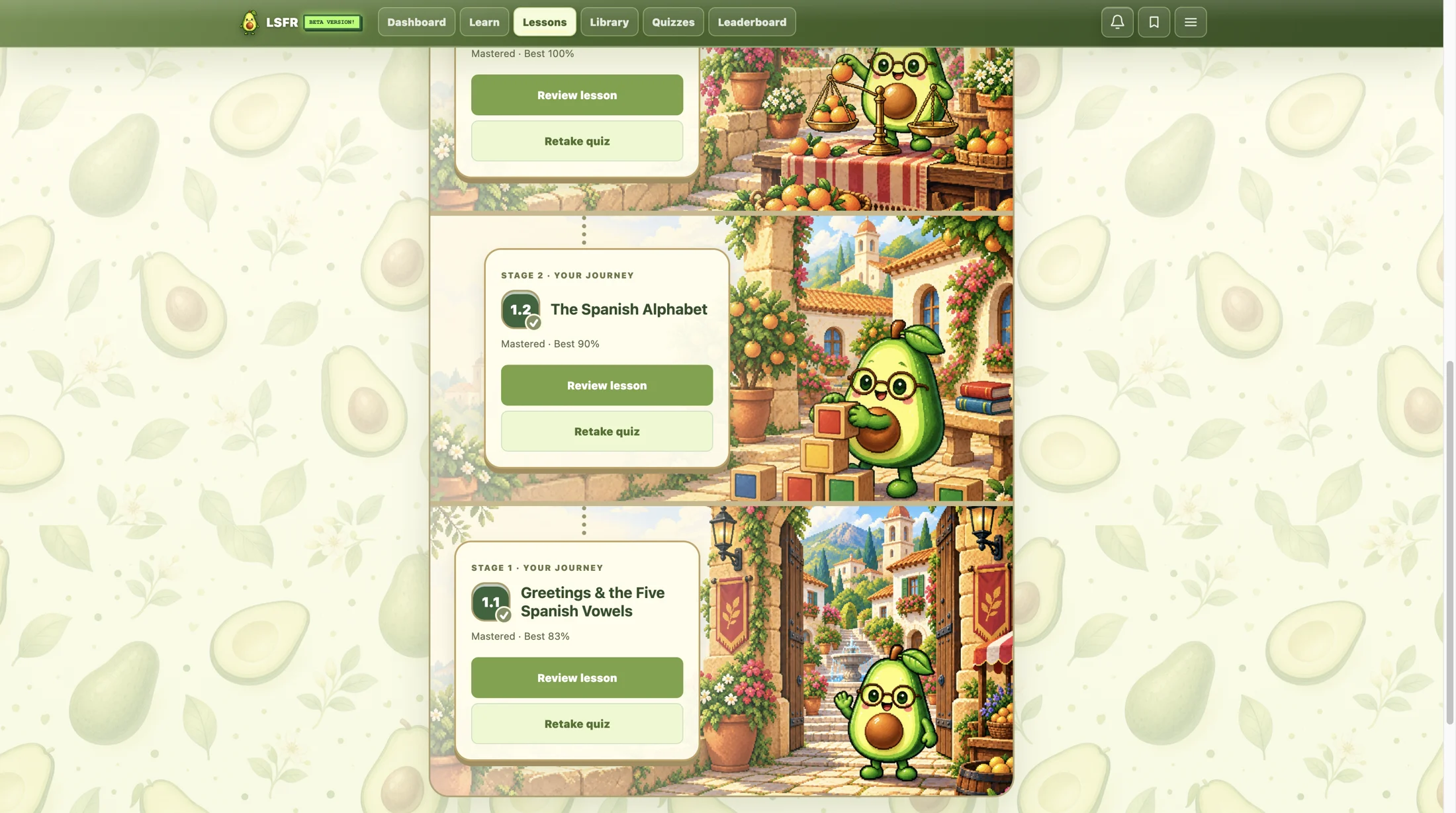
The Beginner path offers a more structured way in. Lessons such as Greetings & the Five Spanish Vowels and The Spanish Alphabet give you a clear topic to work on, followed by an opportunity to check what you remember.
You can see your results, review a lesson, and retake its quiz. Avo’s illustrated scenes give each step its own setting, so moving through the course feels like progressing through a little world.
The wider app also includes dedicated Vocabulary and Grammar paths for learners who want to go deeper through optional Premium access. The free Beginner path remains a place to begin.
Quizzes that ask you to remember
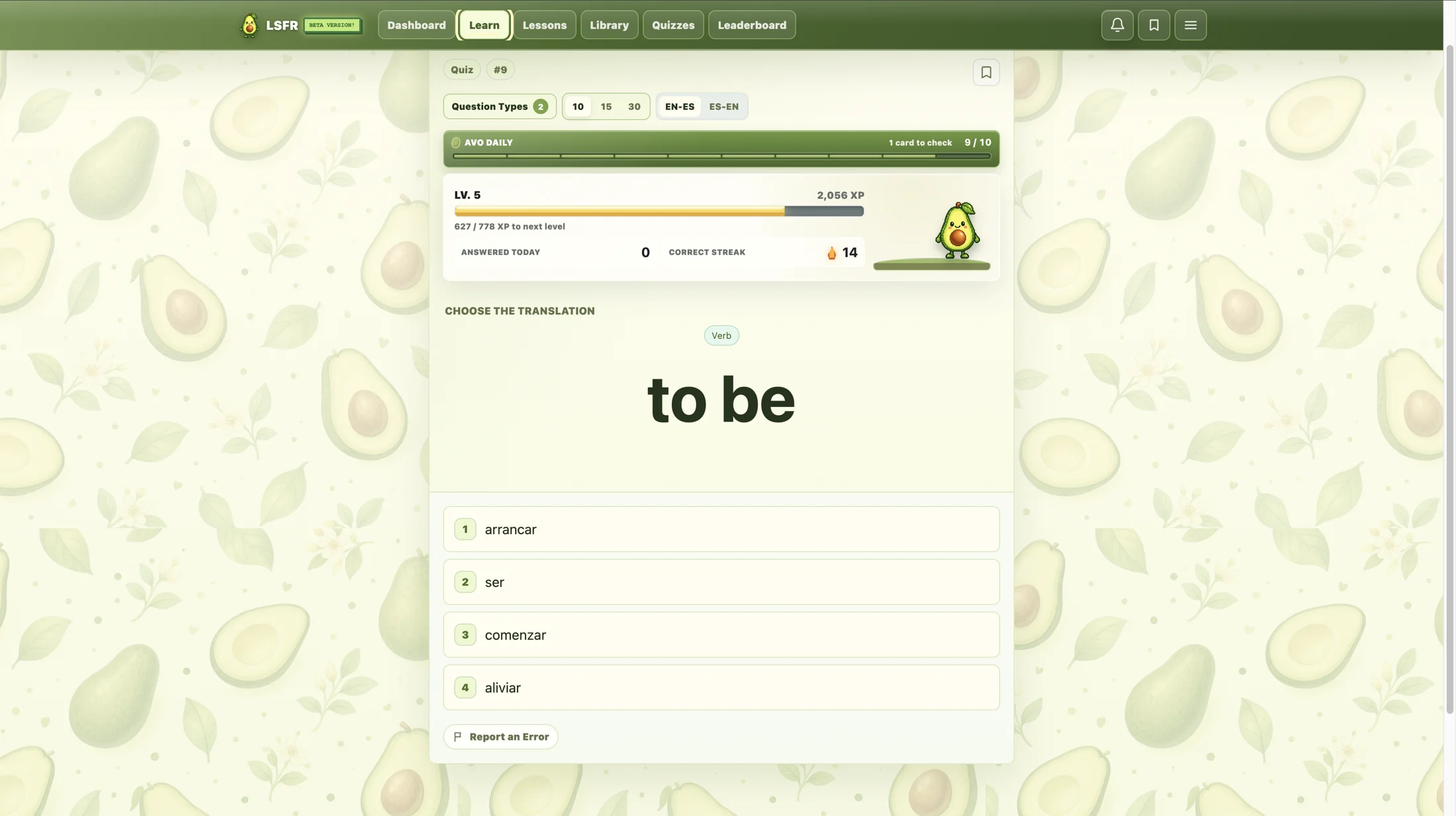
A lesson gives you something to learn; a question gives you a chance to retrieve it. LSFR combines vocabulary study with quizzes and translation practice, so you can test your recall rather than only read an explanation.
The learning interface keeps feedback and progress near the question. Adjust the available session controls, work through the prompts, and use your results to decide what to revisit. Saved Words and their practice tools help you return to vocabulary you want to keep close.
Meet Avo, your avocado study companion
Avo is part of what makes Learn Spanish For Real feel like its own place. The dashboard pairs your learner profile with an illustrated home, while Avo appears throughout the learning experience. XP, levels, streaks, badges, and the leaderboard make your activity visible.
As a developer, I’m interested in the connection between a working learning system and an interface people enjoy using. The character, scenes, and progress displays give a little personality to a practical task: coming back and practicing Spanish again.
LSFR is designed for desktop and mobile browsers, so you can open the same learning app at your desk or on your phone.
Practical phrases for everyday situations
The optional Premium Phrasebook groups useful Spanish by themes such as greetings, conversations, travel, food, questions, and money. Spanish phrases appear with English meanings and audio controls, and Saved Phrases lets you keep language you want to revisit.
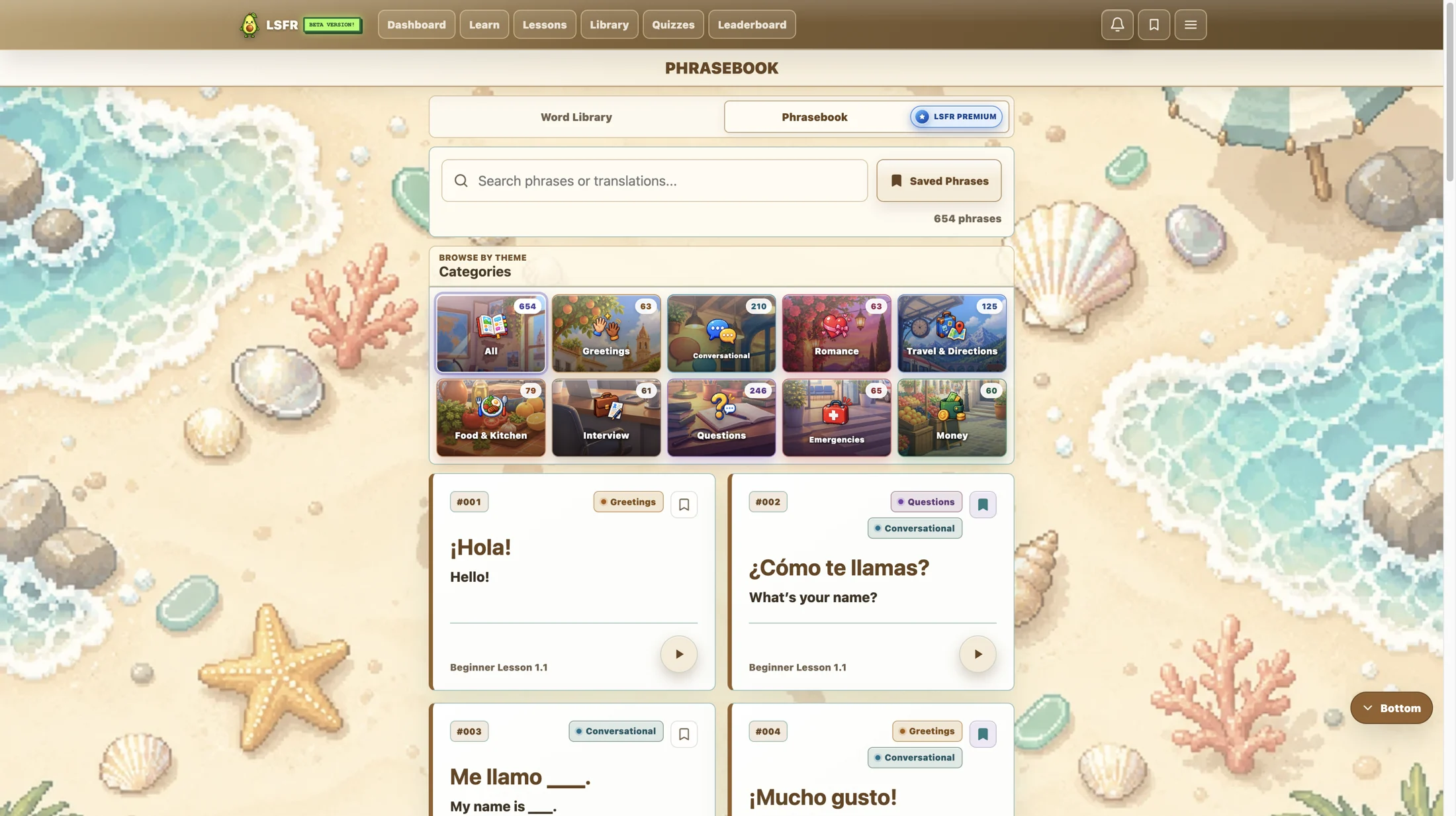
You can start with the free core learning tools and explore the additional paths as your routine grows. Creating an account and beginning your Spanish practice is free.
What I’m working on next
Voice Mode is in development. I’m working toward a study flow where Avo can read a prompt and the learner can respond out loud. For now, the launch experience centers on the existing on-screen study tools, vocabulary audio, lessons, and quizzes.
Opening LSFR is a chance to see how people use those tools in their own routines. I’ll keep developing the experience around that practice: what helps someone find their next lesson, remember a useful word, and return tomorrow.